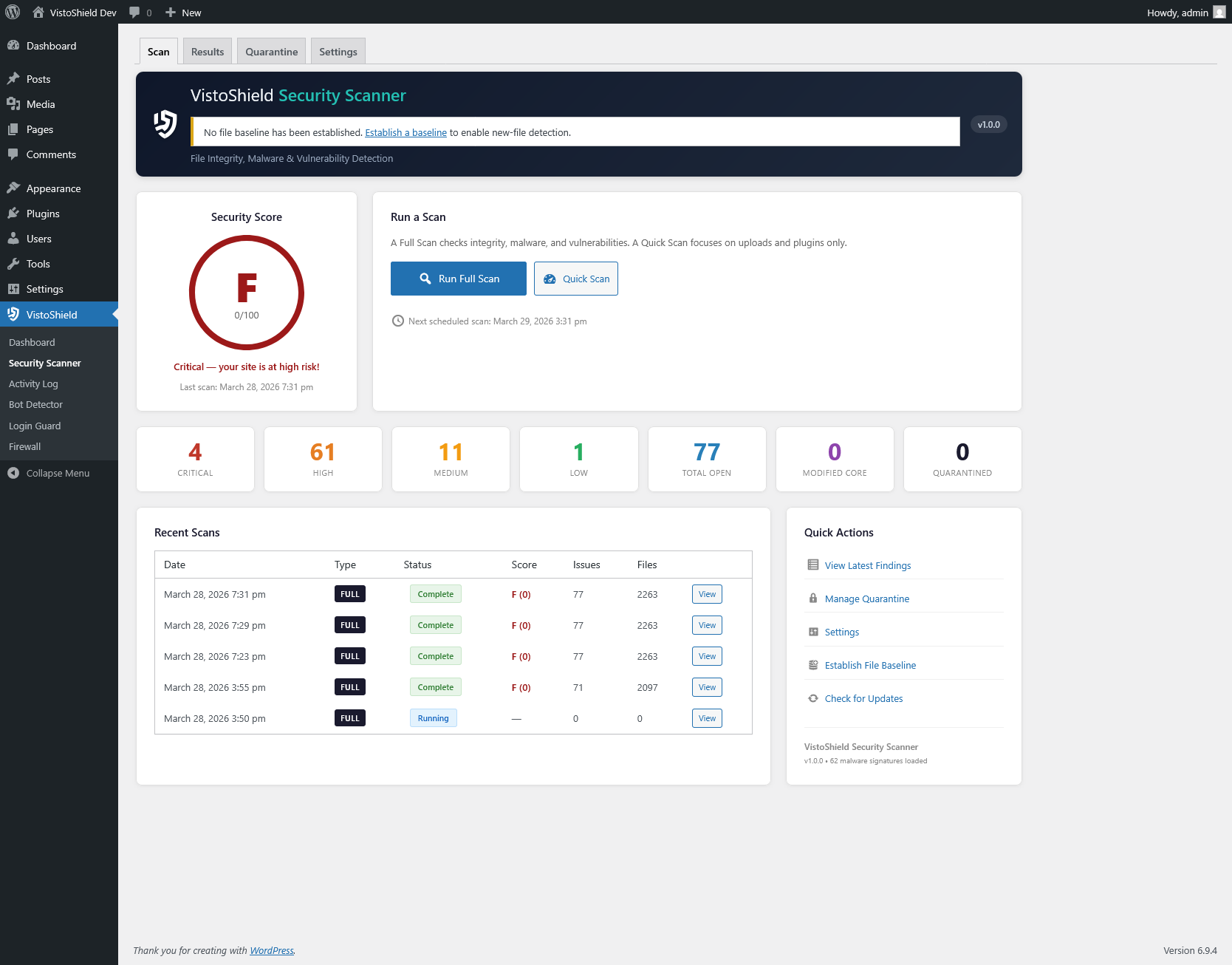
File integrity monitoring, malware detection, and vulnerability scanning for WordPress. Know exactly what changed, what's suspicious, and what needs fixing.
Compares every WordPress core file against official checksums from wordpress.org. Instantly identifies modified, missing, or added files that shouldn't be there.
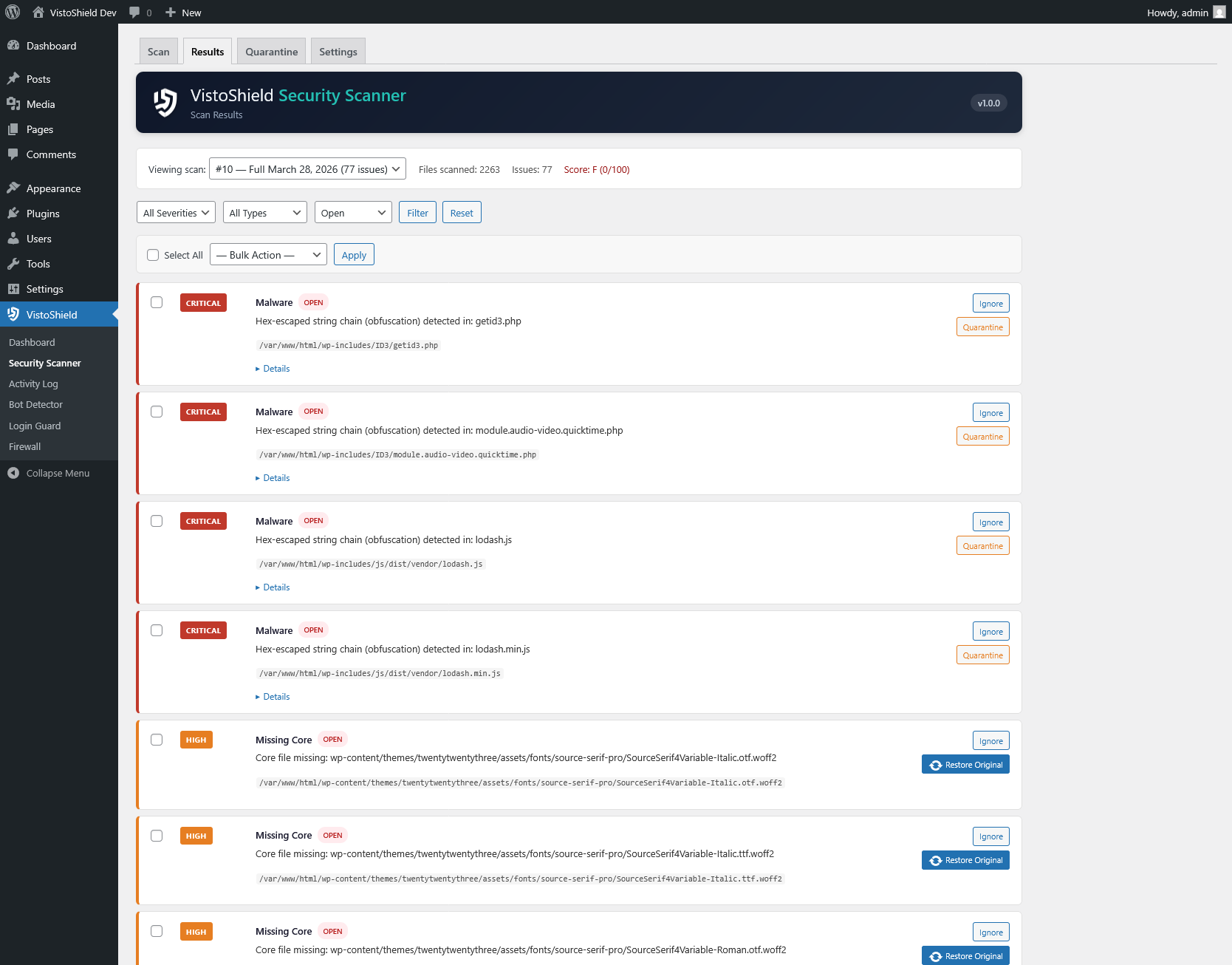
Scans with 62+ pattern signatures covering base64-encoded payloads, eval injections, hex-escaped obfuscation, backdoor shells, and known malware families.
Checks installed plugins and themes against known CVE databases. Flags outdated or vulnerable components with severity ratings and recommended actions.
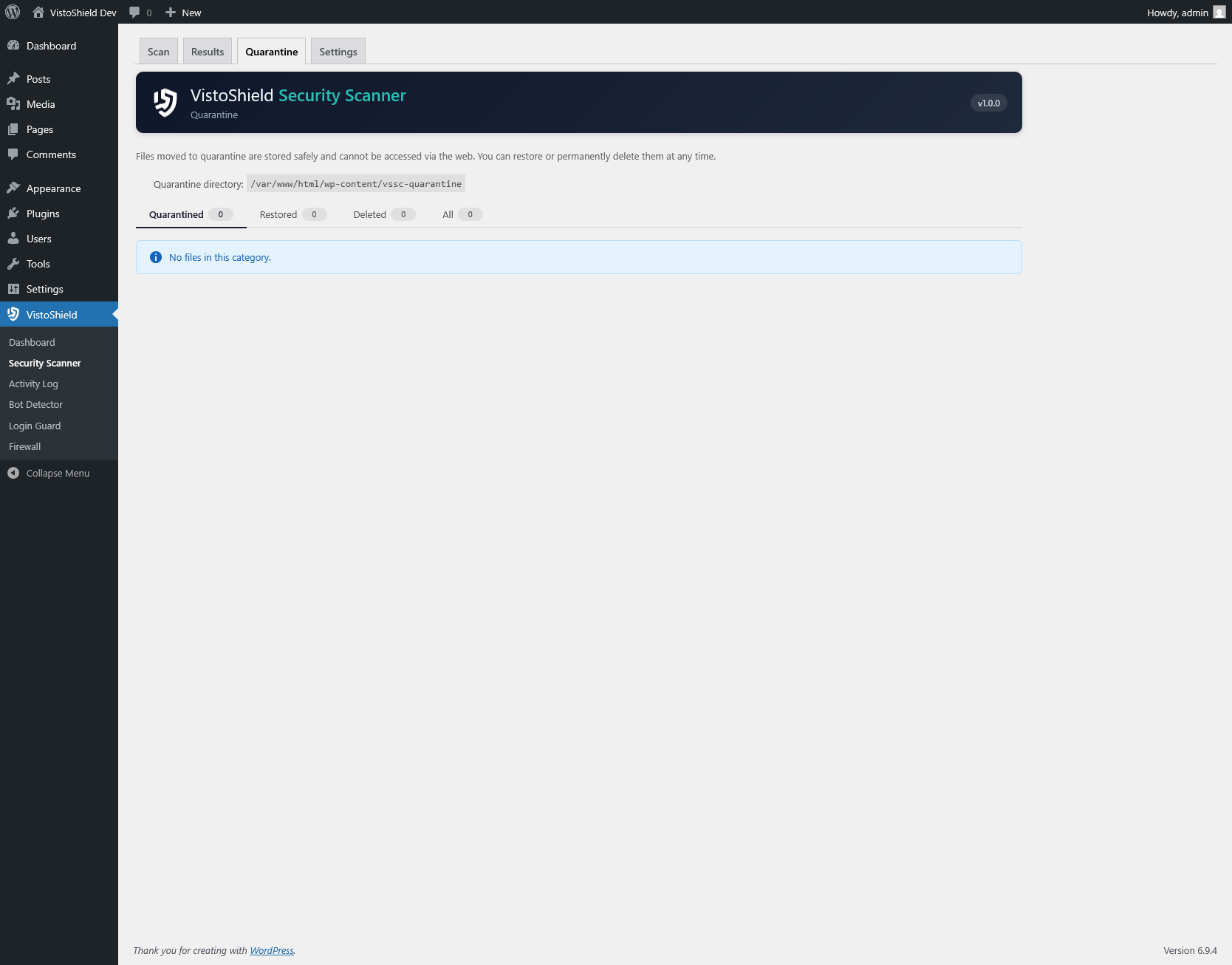
Isolate suspicious files safely without deleting them. Quarantined files are moved out of the web root and can be restored with one click if they turn out to be false positives.
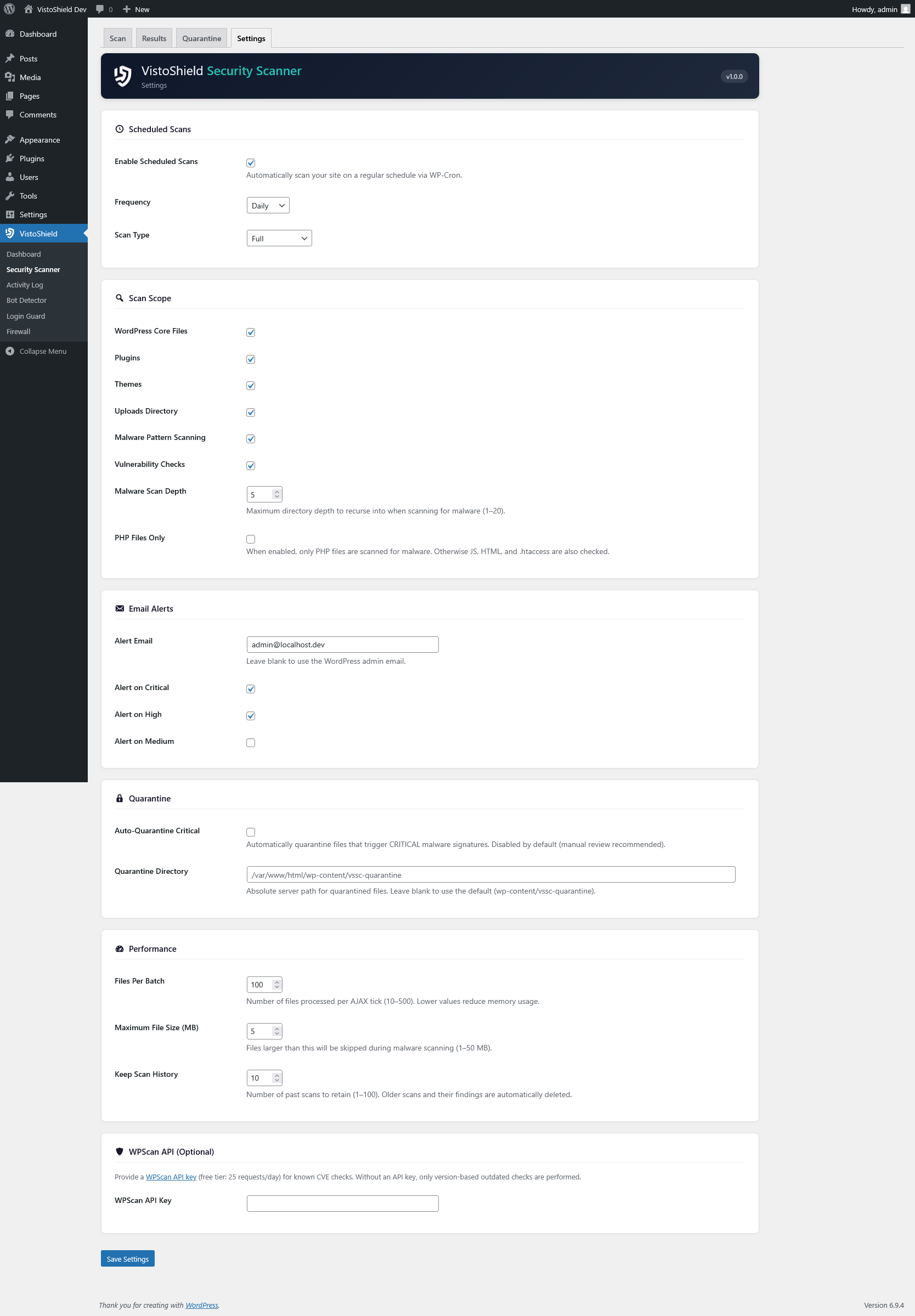
Configure automated daily or weekly scans via WP-Cron. Receive email notifications when new issues are detected so you never miss a threat.
Get an A-F grade based on scan findings. Track your security posture over time with historical score trends visible on the dashboard.
The Security Scanner performs three distinct scan types, each targeting a different layer of your WordPress installation. Scans run in the background using batched processing to avoid impacting site performance.
Every WordPress release includes an official set of MD5 and SHA1 checksums. The scanner downloads the checksum manifest for your exact WordPress version and compares each core file byte-for-byte.
wp-admin/ — all admin interface fileswp-includes/ — core libraries and functionswp-config.php, index.php, .htaccesswp-content/plugins/ — all active and inactive pluginswp-content/themes/ — all installed themeswp-content/uploads/ — scanned for PHP files that shouldn't existThe malware scanner uses a signature-based approach with 62+ detection patterns. Each pattern targets a specific obfuscation technique or known malware family. The engine handles hex-escaped strings, nested base64 encoding, variable function calls, and other common evasion methods.
Signatures are categorized by severity (critical, high, medium, low) and each match includes the exact file path, line number, and matched pattern so you can quickly assess whether it's a genuine threat or a false positive.
When a suspicious file is found, you can quarantine it with one click. The file is moved to a secure directory outside the web root, its original path and permissions are recorded, and a log entry is created. If the file turns out to be legitimate, restoring it takes a single click and puts everything back exactly as it was.
Install Security Scanner from the WordPress plugin directory and run your first scan in under a minute.
Get Started Free