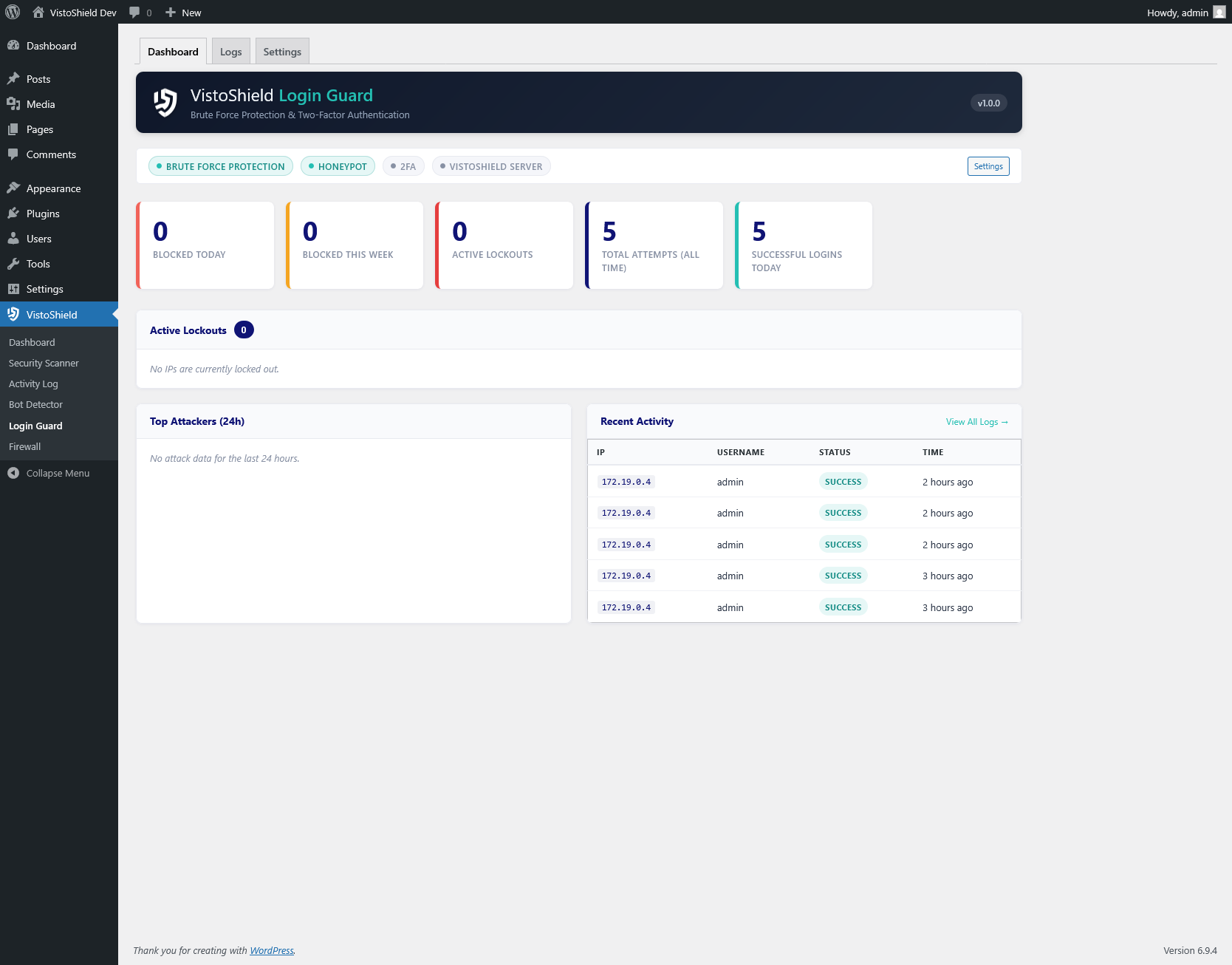
Brute force protection, two-factor authentication, and login monitoring for WordPress. Stop unauthorized access before it happens.
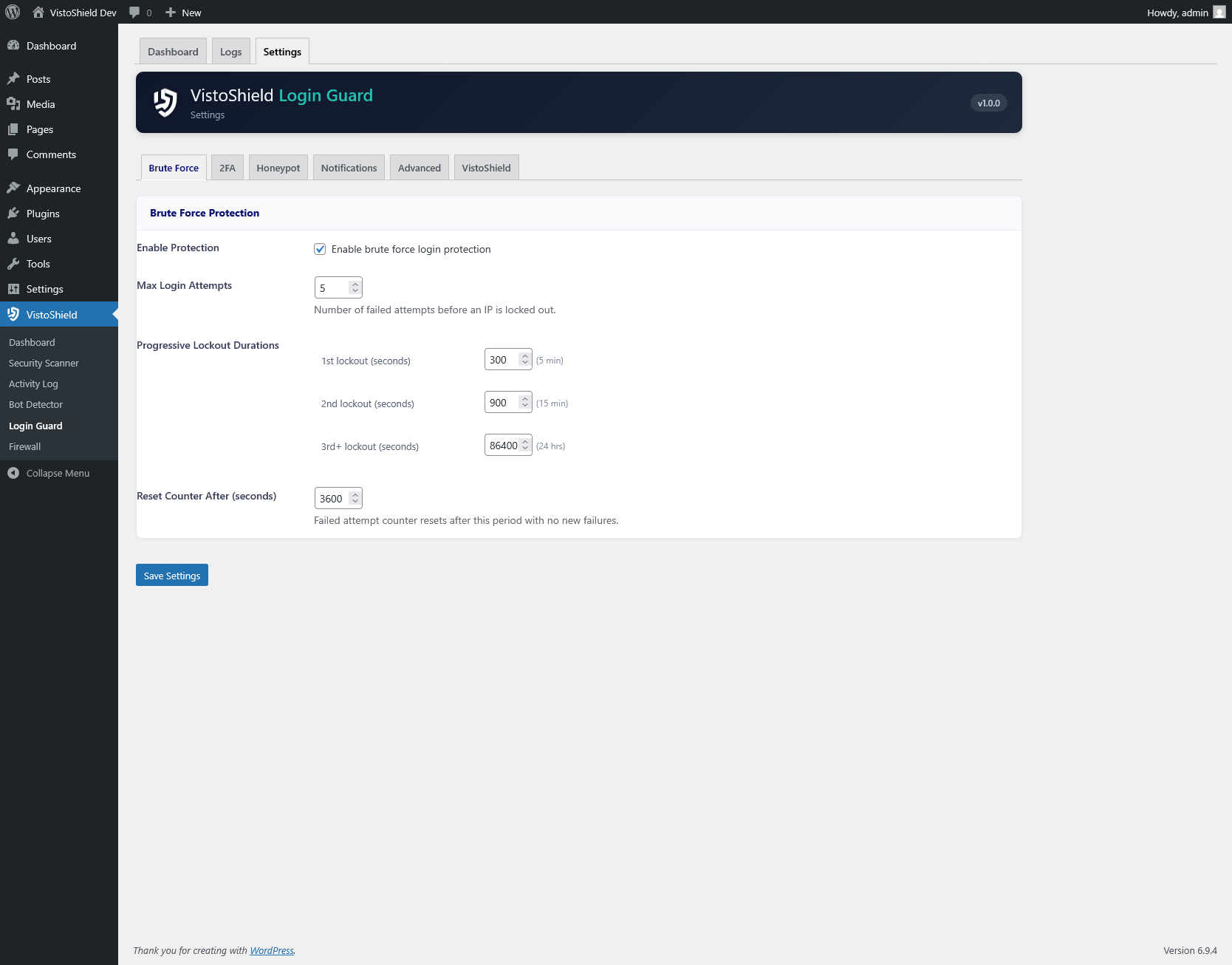
Escalating lockout durations that increase with repeated failures: 5 minutes after the first threshold, 15 minutes for repeat offenders, and 24 hours for persistent attackers.
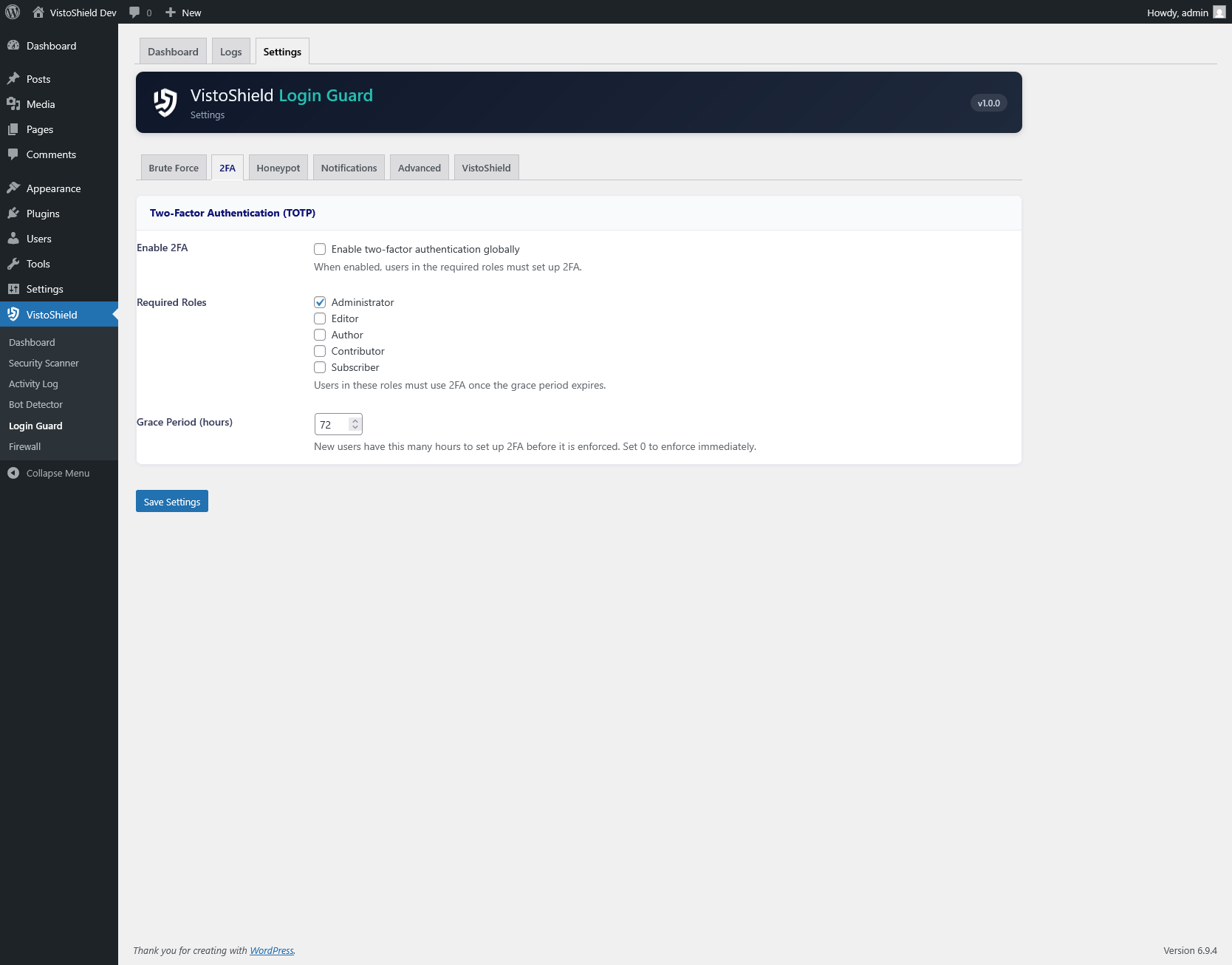
Time-based one-time passwords compatible with Google Authenticator, Authy, and any TOTP app. Includes backup codes for emergency access.
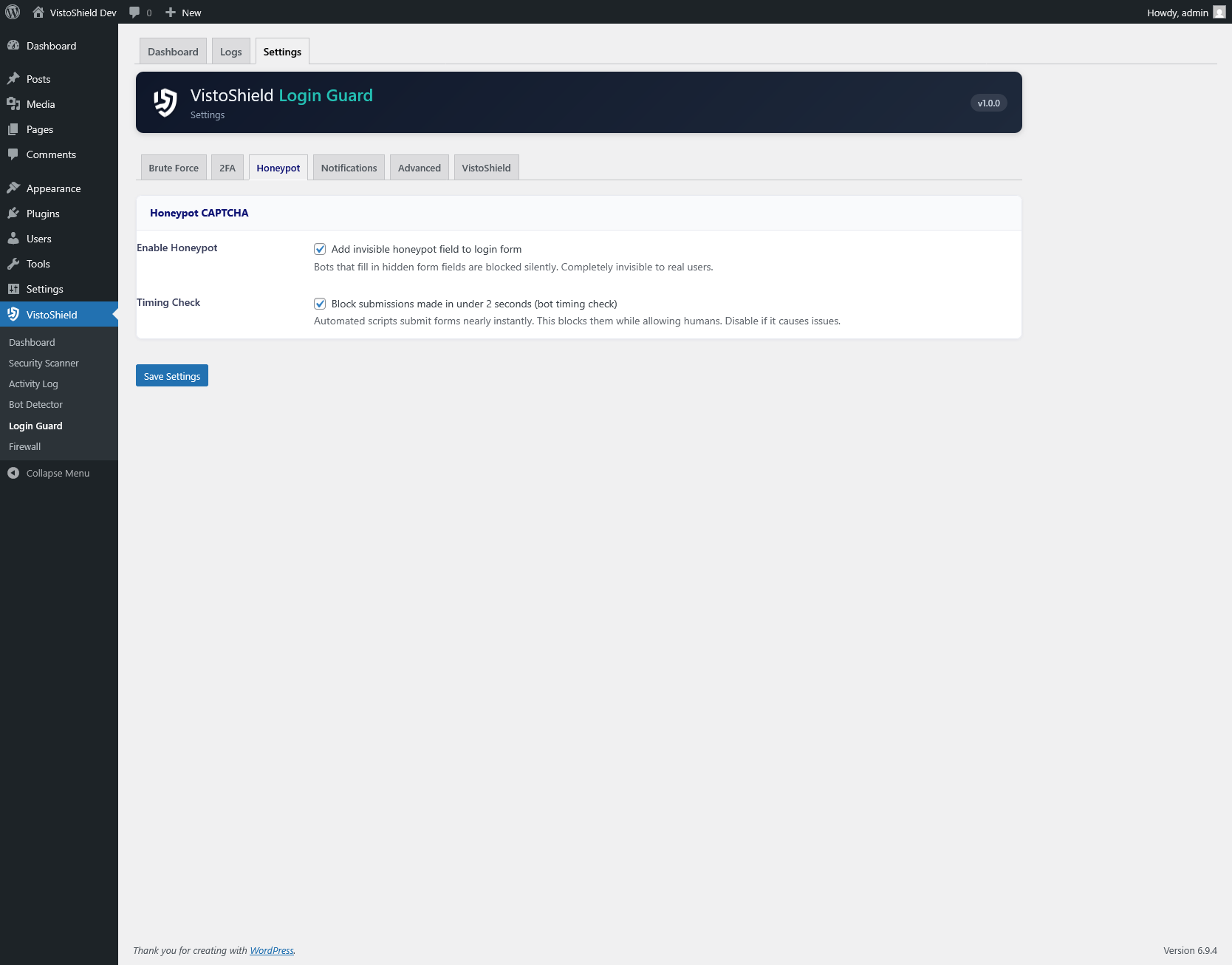
An invisible form field that catches automated bots. Real users never see or fill it, but bots filling every field are instantly identified and blocked.
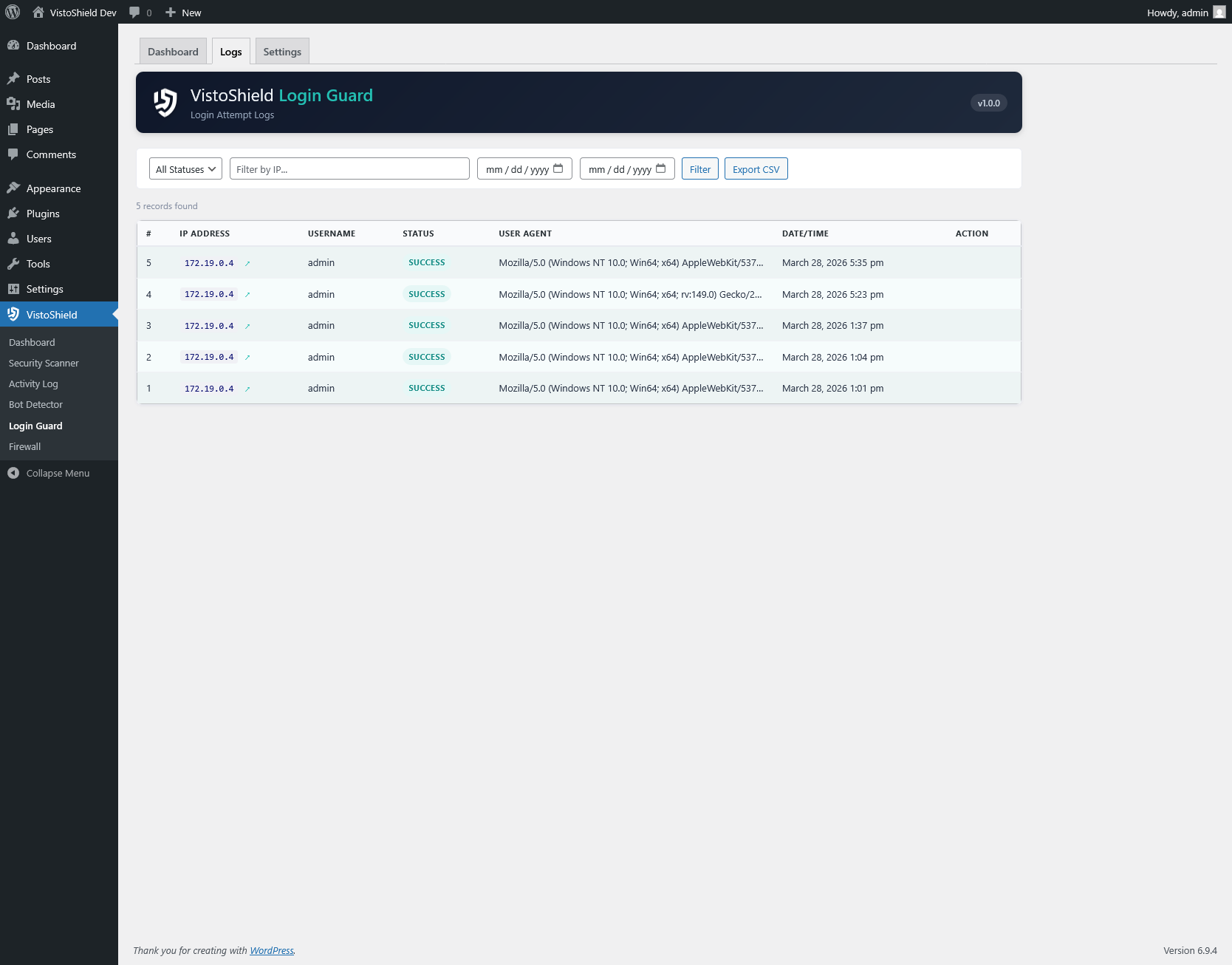
Full audit trail of every login attempt with IP address, user agent, username tried, timestamp, and result (success, failure, locked out, 2FA challenge).
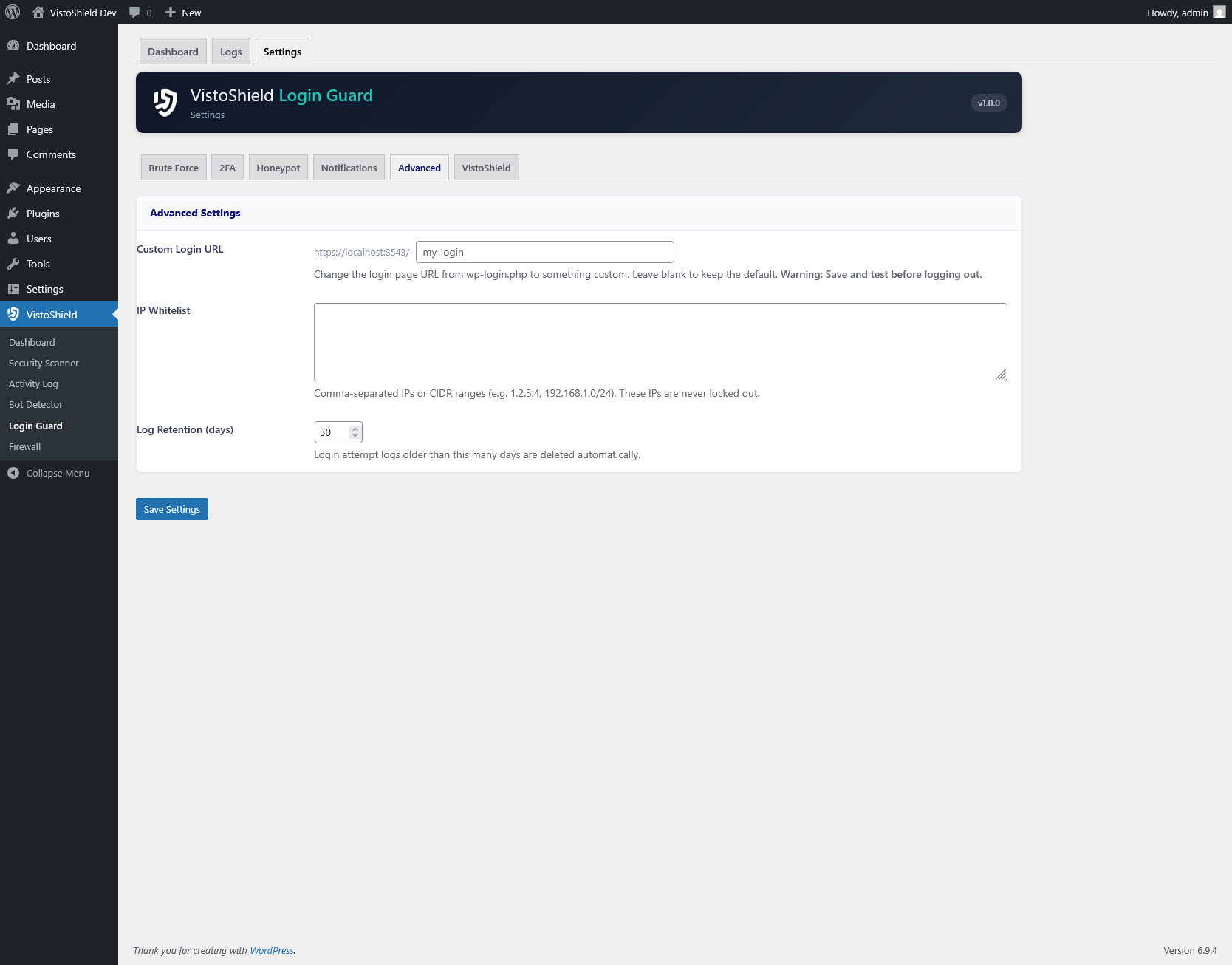
Trusted IPs and CIDR ranges bypass all brute force protection. Ideal for office networks or VPN exit nodes that should never be locked out.
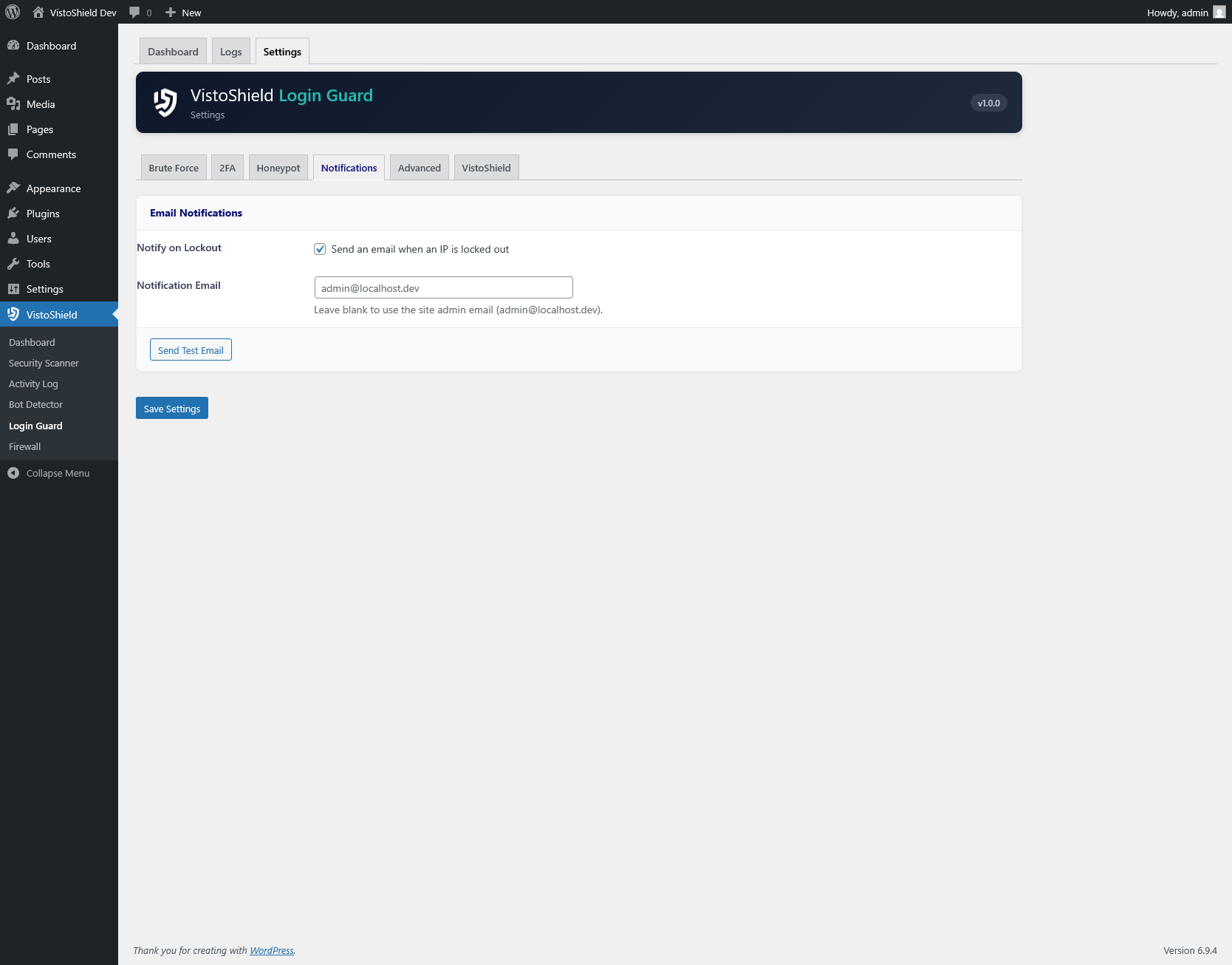
Instant email alerts when an IP address gets locked out, including the IP, location (GeoIP), number of failed attempts, and lockout duration.
Login Guard monitors all authentication attempts to wp-login.php and xmlrpc.php. Failed attempts are tracked per IP address and per username, with independent counters for each.
The lockout system uses a progressive approach to handle both casual attackers and persistent threats:
All thresholds and durations are configurable. The lockout counter resets after the configured time window (default: 24 hours) with no new failures.
Setting up 2FA takes under a minute:
Administrators can enforce 2FA for specific roles (e.g., require it for all admins and editors but leave it optional for subscribers).
Each backup code can only be used once. When all 8 are exhausted, new codes can be generated from the profile page.
The honeypot adds a hidden form field to the WordPress login page using CSS to make it invisible to human users. The field uses a randomized name attribute that changes periodically to avoid detection by sophisticated bots. Any submission that includes a value in this hidden field is immediately flagged as a bot and rejected without counting toward the lockout threshold.
This approach has zero impact on legitimate users since the field is not visible or interactive. It works alongside the lockout system as an additional layer of bot detection.
Install Login Guard from the WordPress plugin directory and enable brute force protection in seconds.
Get Started Free